
1.
Type the address www.leedsth.nhs.uk in your browser or, select an active link to access the trust website.

2.
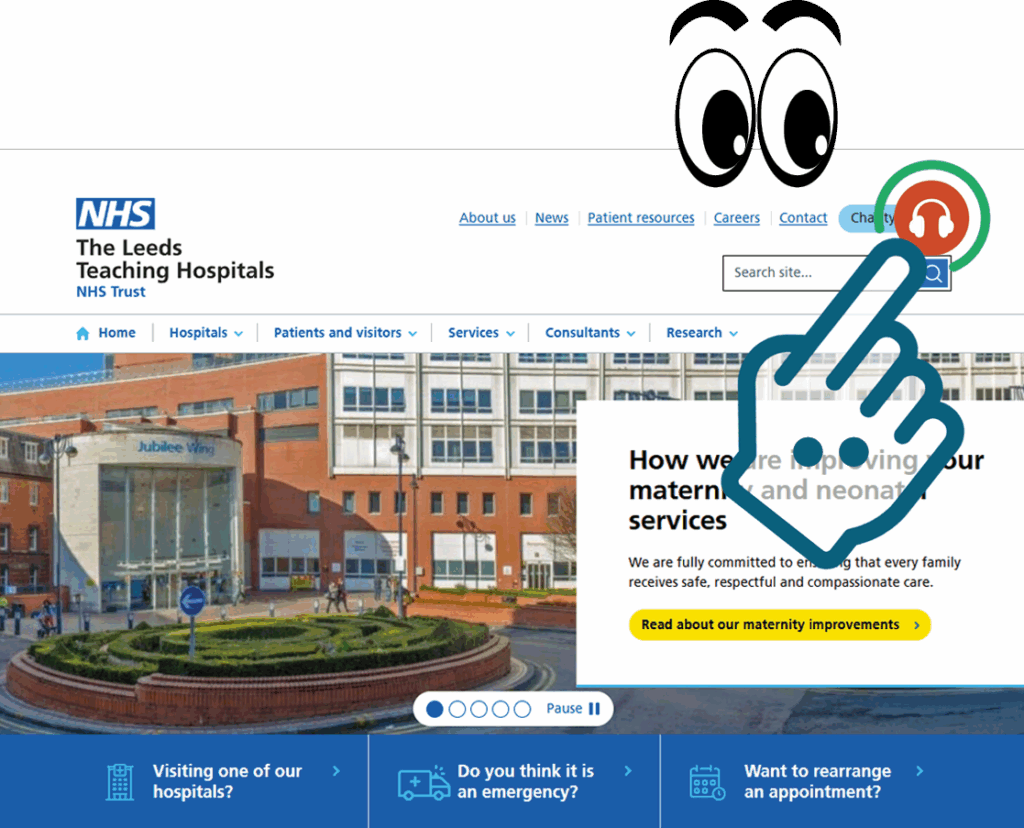
Click the orange earphone icon in the top right hand corner of the trust webpage to display the Reachdeck Tool Bar.
3.
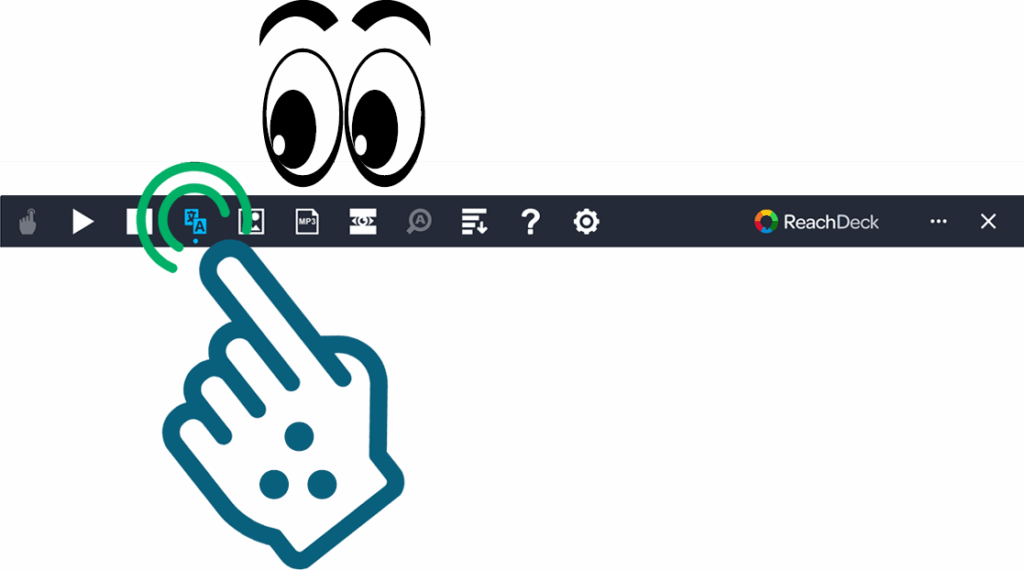
Click the translate button on the Reachdeck Tool Bar.
4.
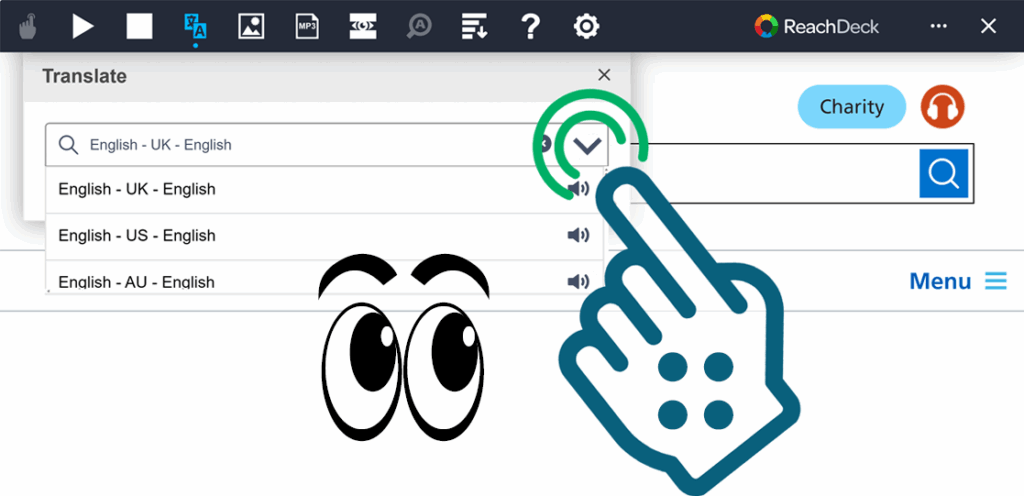
Click the downward pointing chevron on the translate menu, and scroll up or down with the slider to allow you to select from multiple languages.
5.
Find, and click to translate the webpage into your language of choice.
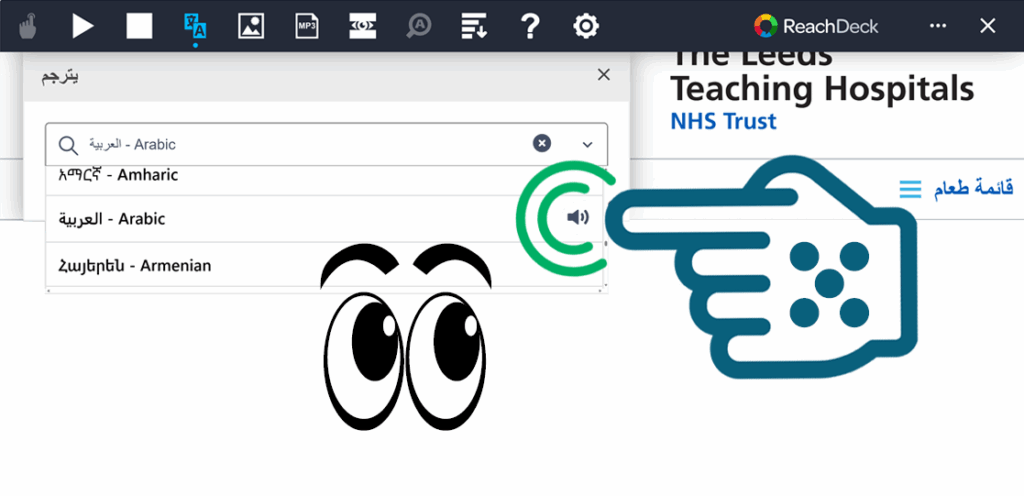
Congratulations you have successfully translated this webpage to your chosen language.